
Objective: Execute the HTML and JavaScript scripts containing the header image to verify what is displayed in the browser's client view, and to demonstrate how JavaScript can be embedded within HTML.
If the code contained within the image in the page header is executed, the following will be displayed in the browser:
1.1 - Inside |h3| tags, ¡TEXT! is printed
1.2 - Inside |p| tags, ¡TEXT! is printed
JavaScript commands are enclosed within the |script| tag.
Example using the JavaScript method document.write();
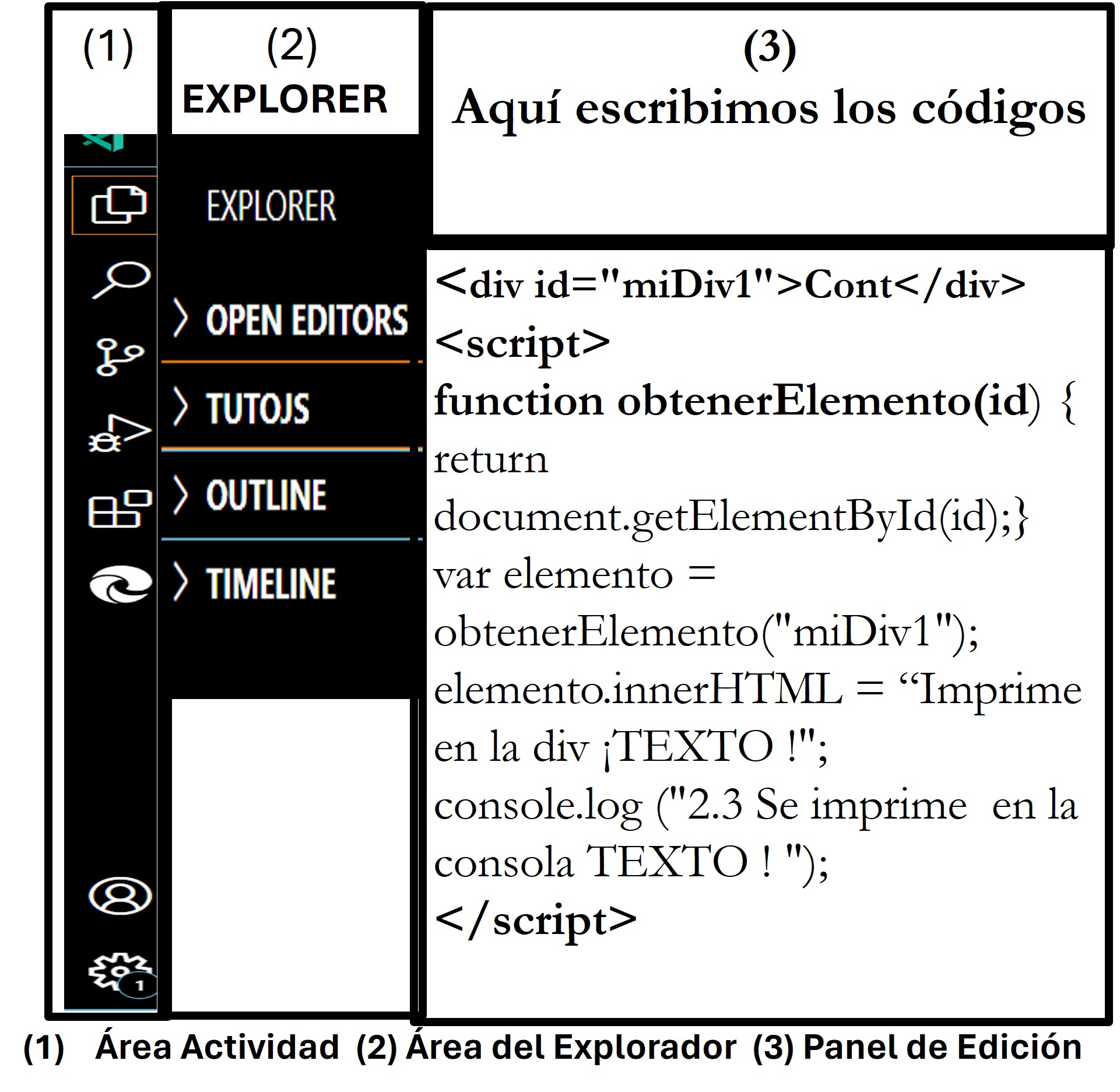
What is printed in the browser when the JavaScript code is executed—specifically, when running the `getElementById(id)` method and a `function()` inside `script` tags?
TEXT is printed! 00-intro.html:119
This indicates that the instruction that was executed is located on line 119 of the document 00-intro.html.

The steps required to acquire a domain are outlined.
And storage space on an online server.
How to manage a website using the server's cPanel.
Procedures for editing and publishing your own web pages.